
Introduction
It is the biggest question in personal security: Where should you put the keys to your digital life?
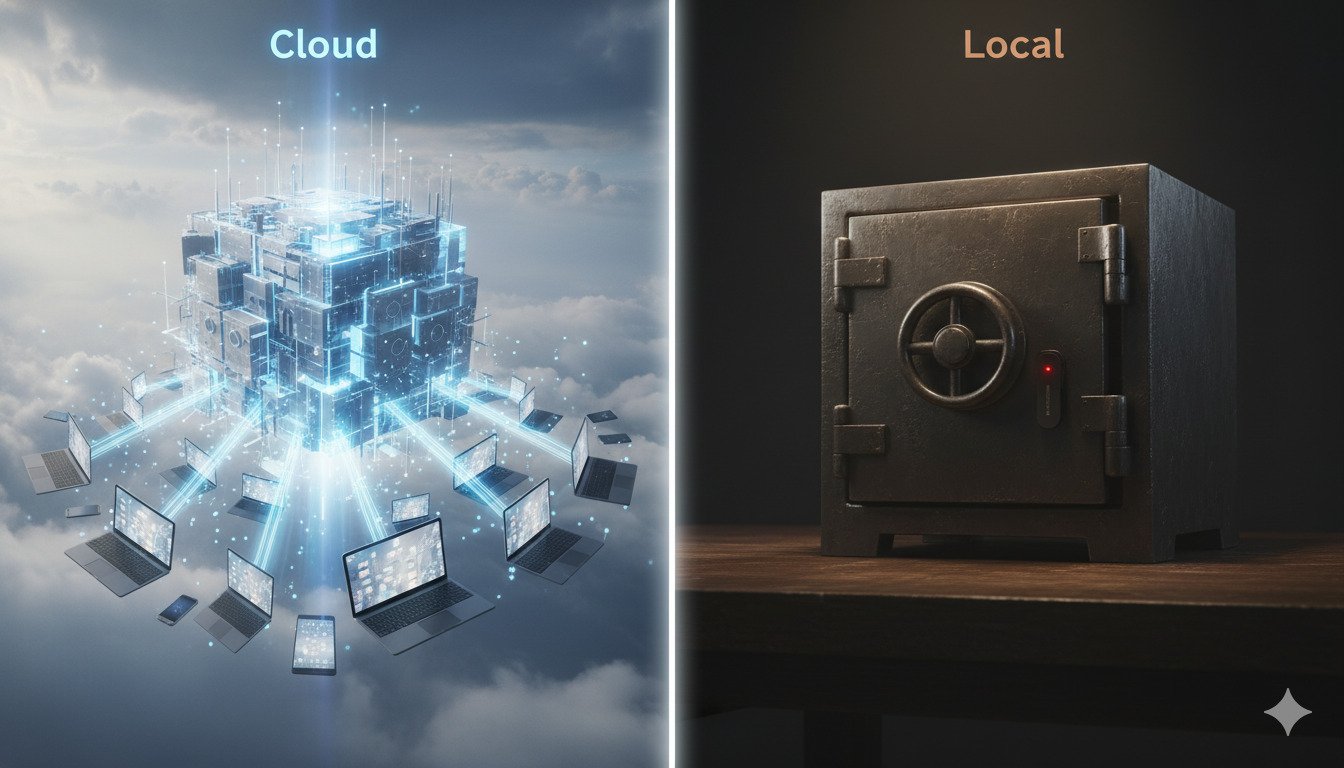
Should you store them in the Cloud, where they sync instantly to your phone but live on someone else's server? Or should you store them Locally, where you have total control but risk losing everything if your hard drive fails?
There is no perfect answer, only trade-offs. In this guide, we are analyzing the security models of both approaches to help you decide.
The Great Debate: Convenience vs. Control
Security is always a balance.
- Cloud prioritizes Availability. You need your passwords everywhere, instantly.
- Local prioritizes Confidentiality. You don't trust anyone else with your data.
Cloud Managers (1Password, Bitwarden, Dashlane)
These services store your encrypted vault on their servers.
Pros
- Sync is Magic: Passwords you save on your PC appear on your iPhone instantly.
- Sharing: Easy to share the Netflix password with your spouse or the WiFi code with guests.
- Backups: If you drop your phone in a lake, your passwords are safe in the cloud.
Cons
- The Giant Target: Cloud providers hold the secrets of millions of users. They are the #1 target for hackers.
- Web Interface Risks: Logging in via a web browser opens you up to phishing attacks.
The key to cloud security is Zero Knowledge. The encryption happens on your device. The cloud provider only receives a blob of gibberish. They technically cannot read your passwords, even if the government served them a warrant.
Local Managers (KeePass, Strongbox, MacPass)
These apps create an encrypted file (.kdbx) that lives on your hard drive. It never touches the internet unless you move it yourself.
Pros
- Total Control: You own the keys. You own the file. No subscription fees.
- Smaller Attack Surface: A hacker has to hack you specifically, not a central server.
- Privacy: No email address required to sign up. Total anonymity.
Cons
- Sync is Hard: You have to manually copy the file to your phone (or use Dropbox/Google Drive, which re-introduces cloud risk).
- No Recovery: If you forget your password or your hard drive dies without a backup, your data is gone. Forever.
- UX Friction: The interfaces often look like Windows 95 apps.
The LastPass Incident: Lessons Learned
In 2022, LastPass suffered a massive breach. Hackers stole encrypted user vaults.
The Critical Lesson: The breach was devastating because LastPass did not encrypt everything. Fields like "URL" were unencrypted, letting hackers see exactly where users had accounts (e.g., "This user has a Bank of America account").
Competitors like 1Password and Bitwarden encrypt metadata too. If their blob is stolen, the hacker sees nothing—not even which websites you visit.
The Verdict: Which Should You Choose?
Choose Cloud (Bitwarden/1Password) If:
- You are a normal user who uses multiple devices (Phone + Laptop).
- You want to share passwords with family or coworkers.
- You are worried about losing your database backup.
- Recommendation: The risk of a cloud breach is lower than the risk of you managing your own security poorly.
Choose Local (KeePass) If:
- You are a high-value target (Journalist, Activist, Crypto Whale).
- You are technical enough to manage your own rigorous backup strategy.
- You strictly do not trust third-party servers.
For 99% of people, a reputable Cloud Manager (like Bitwarden) is the safer choice because it ensures you actually use complex passwords everywhere. Local managers are more secure in theory, but user error (no backups) makes them risky in practice.
Conclusion
The "best" password manager is the one you actually use. Whether you go Cloud or Local, moving away from reusing Password123 is the victory.
DynamicPassGen Security Team
Security Research & Education
Our security team stays current with the latest password standards, authentication methods, and cybersecurity best practices to provide accurate, actionable guidance for users and organizations. We analyze emerging threats, study real-world breaches, and translate complex security concepts into practical advice you can implement immediately.