
Introduction
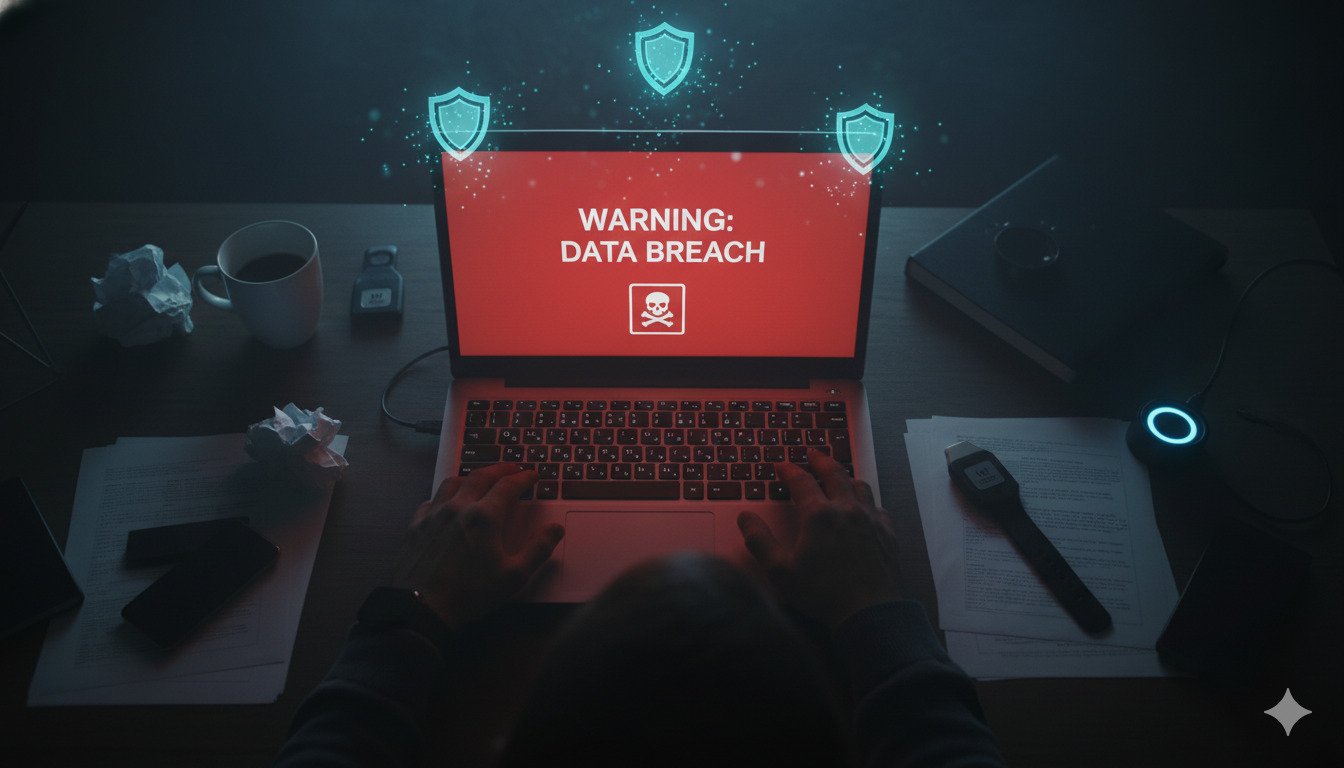
It’s a sinking feeling. You get an alert from Google, Apple, or your bank: "Your password was found in a data breach."
Your mind races. Is my bank account safe? Are they reading my emails? Who has my address?
First: Breathe. Millions of people are affected by breaches every year. It is manageable if you move fast.
This guide is your emergency checklist. Stop reading other tabs. Follow these 5 steps right now.
Hackers use automated bots to test breached credentials within hours of a leak release. Do not wait until the weekend. Do this now.
Step 1: Don't Panic, Verify.
Confirm exactly what was stolen. Not all breaches are equal.
Go to Have I Been Pwned (haveibeenpwned.com) and enter your email. It will tell you:
- The Source: (e.g., LinkedIn, Adobe, Canva).
- The Data: (e.g., Passwords, Physical Addresses, Phone Numbers).
If it was just emails? Low risk (expect spam). If it was passwords? High risk. Proceed immediately.
Step 2: The Password Triage
You need to change passwords, but you need to prioritize.
1. Your Email Account: This is "Patient Zero." If they get into your email, they can reset every other password you own. Change this first. Make it strong and unique. 2. Financials: Banks, PayPal, Crypto, retirement funds. 3. Medical & Government: Healthcare portals, IRS/Tax sites. 4. Social Media: Facebook, Instagram, X (Twitter).
Do not reuse the old password. Even adding a "1" at the end is dangerous. Use a password manager to generate a completely new, random string.
Step 3: Enable 2FA Everywhere
If your password was stolen, 2-Factor Authentication (2FA) saves you. Even if the hacker has your password, they can't login without the code on your phone.
Turn it on for Email and Banking immediately. Use an app like Authy or Google Authenticator, not SMS if you can avoid it.
Step 4: Check for Backdoors
Hackers sometimes login, add a "backdoor," and leave quietly. They want to ensure they can get back in even after you change your password.
Check these settings:
- Email Forwarding: Did they set up a rule to forward all your emails to
hacker@gmail.com? Check your email settings -> "Forwarding and POP/IMAP". - Authorized Devices: Look for "Logged in devices." Do you see a Windows PC in Russia or an iPhone in Nigeria? Log them out.
- Recovery Info: Did they change the backup phone number or recovery email to theirs?
Step 5: Freeze Your Credit
If the breach included Social Security Numbers (SSN) or detailed personal info (like the Equifax breach), changing passwords isn't enough. They can steal your identity.
Go to the three major bureaus (Equifax, Experian, TransUnion) and Freeze Your Credit.
- It is free.
- It stops anyone (including you) from opening new credit cards or loans.
- You can temporarily "unfreeze" it if you need to buy a car or house.
Conclusion
Being breached is not your fault, but cleaning it up is your responsibility.
Once you have secured your accounts, take a moment to upgrade your habits. Start using a password manager. Stop reusing passwords. The next breach is coming—make sure your data is useless when it happens.
DynamicPassGen Security Team
Security Research & Education
Our security team stays current with the latest password standards, authentication methods, and cybersecurity best practices to provide accurate, actionable guidance for users and organizations. We analyze emerging threats, study real-world breaches, and translate complex security concepts into practical advice you can implement immediately.